About YouTube Thumbnail Downloader
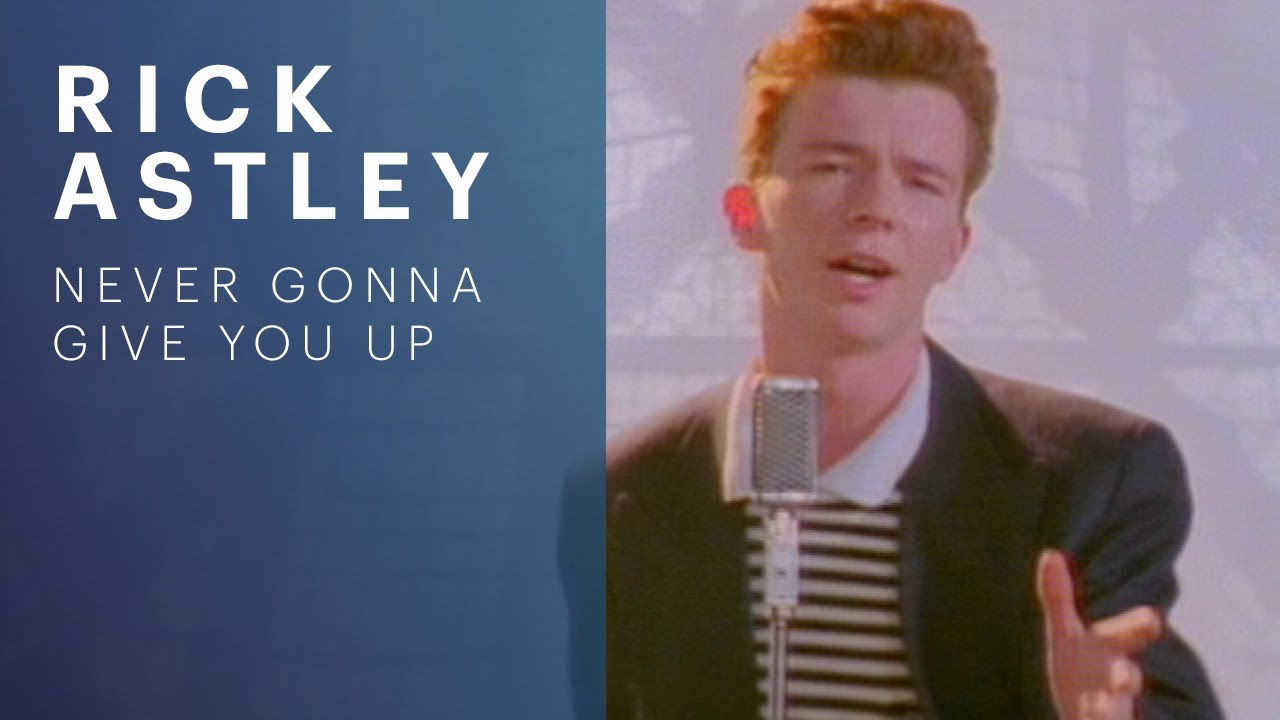
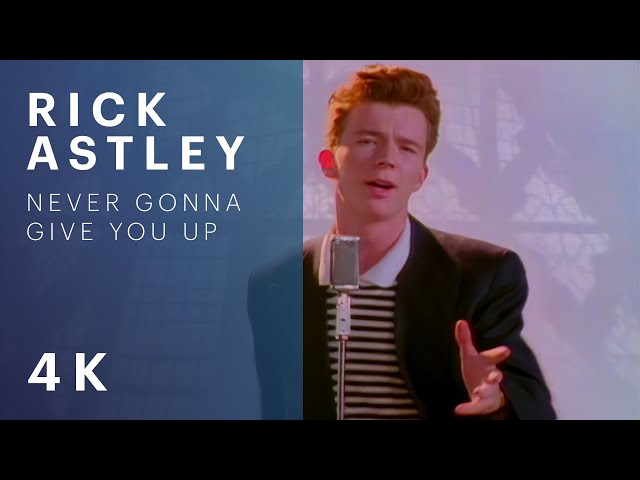
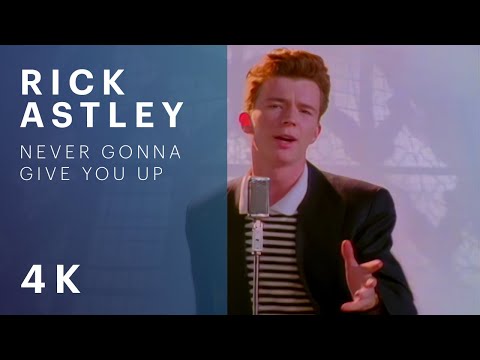
The YouTube Thumbnail Downloader extracts a video's thumbnail image at every resolution YouTube publishes — from a tiny 120×90 preview up to the full 1280×720 HD version — by building the direct i.ytimg.com image URLs from the video ID, without calling the YouTube API or requiring any login. If you need to download youtube thumbnail images at their original size, or want a youtube thumbnail grabber that gets every resolution at once — including how to get youtube thumbnail hd copies for your own videos — this is the quickest path, with no account required.
It's used to grab a competitor's or your own video's thumbnail for a side-by-side design comparison, to save a high-resolution copy of a thumbnail for a blog post, video description or press kit referencing the video, and to quickly check whether a video actually has a maxresdefault (full HD) thumbnail uploaded — older or lower-resolution videos sometimes only have the smaller sizes, which shows up immediately as a missing image in the grid rather than a resolution to guess at. Any common YouTube URL format works: a standard watch link, a youtu.be short link, a Shorts link, or a bare 11-character video ID pasted directly.
Each thumbnail is a direct link to YouTube's own image CDN (i.ytimg.com) — clicking 'Save' opens or downloads the image straight from YouTube's servers, the same way right-clicking the thumbnail on the video page itself would. No image is uploaded, processed or cached by this tool; it only parses the video ID out of whatever URL you paste and constructs the standard thumbnail URL pattern YouTube has used publicly for years. If a higher resolution isn't available for a given video, its image simply fails to load in the grid rather than showing a broken placeholder pretending it exists.
How to Use the YouTube Thumbnail Downloader
- Paste a YouTube video URL — any common format works.
- Wait for the thumbnail grid to load all available resolutions.
- Preview each size directly in the grid.
- Click Save on the resolution you want to download.
Features
- All five official thumbnail resolutions, from 120×90 up to 1280×720
- Accepts watch links, youtu.be links, Shorts links or a bare video ID
- Direct links to YouTube's own image CDN — no re-hosting or processing
- Missing resolutions (not every video has maxresdefault) are visibly absent, not faked
Examples
Standard watch link
Input
https://www.youtube.com/watch?v=dQw4w9WgXcQ
Output
5 thumbnails shown, from 120×90 up to 1280×720 (if available).
Shortened youtu.be link
Input
https://youtu.be/dQw4w9WgXcQ
Output
Same 5 thumbnails as the full watch link — the video ID is parsed identically.
Frequently Asked Questions
Why doesn't the maxresdefault (HD) thumbnail load for some videos?
Not every video has a full 1280×720 thumbnail — YouTube only generates maxresdefault for videos uploaded at sufficient resolution, or where the channel explicitly set a custom high-res thumbnail. Older or lower-quality uploads may only have the smaller sizes available.
Is this using the official YouTube API?
No — it constructs YouTube's publicly documented thumbnail image URL pattern directly (i.ytimg.com/vi/VIDEO_ID/...), the same pattern browsers use when displaying a video's thumbnail. No API key or login is required.
Can I download a thumbnail for a private or deleted video?
No — the thumbnail is served directly from YouTube's CDN, so it's only available for videos YouTube is currently serving. A private, deleted or region-restricted video's thumbnail typically won't load.
Is the YouTube Thumbnail Downloader free?
Yes, the YouTube Thumbnail Downloader is completely free with no usage limits. No signup, no account and no installation required.
Is my data safe?
Yes. All processing happens locally in your browser using JavaScript — nothing you type is uploaded or stored on our servers.
Related Tools
Image Format Converter
Convert images between PNG, JPEG, WebP and AVIF right in your browser. Free image converter with adjustable quality — no upload, no watermark.
Image Cropper
Crop any image with drag-to-resize precision and ready-made aspect ratios for square, widescreen and passport photos. Runs locally in your browser.
URL Parser / Query String Splitter
Break a URL into its protocol, host, path, hash and individual query parameters. Free online URL parser, runs entirely client-side.
Image Resizer
Resize images to exact pixel dimensions and download as PNG, JPEG or WebP. Free image resizer that runs entirely in your browser — no upload.
Social Media Character Counter
Count characters against X, Instagram, LinkedIn, YouTube and meta description limits at once, with remaining-character indicators.
Open Graph Preview
Preview how your link will appear when shared on Facebook, Twitter/X and LinkedIn, and generate the Open Graph tags to match.